How to Disable/Hide Blue Ticks on GB WhatsApp in 2026
How to Disable/Hide Blue Ticks
Sometimes, we want more privacy than we currently have. We want to read messages without being noticed and view our friends’ statuses without being tracked. If you want a solution that improves your privacy, here is a feature that can help. This feature’s name is hide blue tick and second tick, and it is available in GB WhatsApp version 18.80 and other modified versions of WhatsApp.
What is GB WhatsApp?
GB WhatsApp is a modified version of the official WhatsApp application. It provides advanced features unavailable in the standard app, such as hiding blue ticks. This makes it popular among users who want more control over their messaging experience. You can download GB WhatsApp version 18.80 from GBWhsapp.net.
What is Hide Blue Ticks?
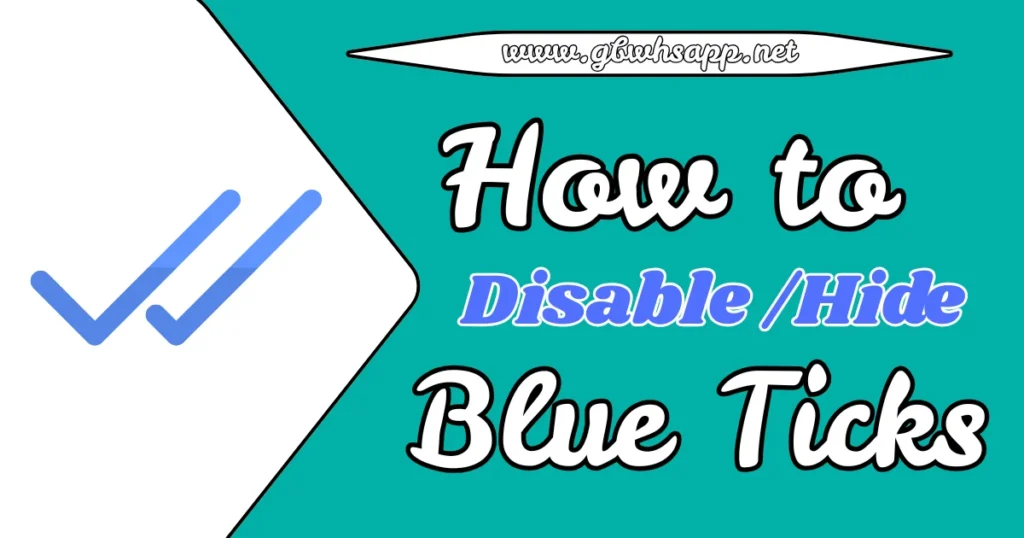
The “Hide Blue Ticks” feature in GB WhatsApp allows users to read messages without showing the blue ticks that indicate they have been read.
- Single tick means your message was sent.
- Double ticks mean it was delivered to the recipient.
- Blue ticks appear when the recipient reads it.
Let’s use an example to explain this. Sarah is Harry’s friend. When Sarah sends a message saying, “Hi Harry,” to Harry, she sees a single tick. If Harry is online, the message gets delivered, and Sarah sees a second tick. This shows Sarah that Harry is online and received her message. When Harry opens WhatsApp and reads the message, Sarah sees blue ticks, meaning Harry has read her message.
With GB WhatsApp, users can read messages without showing blue ticks, allowing for more privacy. If Harry uses GB WhatsApp or WhatsApp Plus, he can read Sarah’s messages without her knowing, which gives him more personal space.
How to Hide Blue Ticks on GB WhatsApp
Follow these simple steps to enable the “Hide Blue Ticks” feature after installing and logging into GB WhatsApp version 18.80:
How to Hide Blue Ticks on GB WhatsApp
- Open GB WhatsApp and tap the three dots in the top-right corner.
- Go to Settings > Security and Privacy.
- Select Contacts, then find and enable the Hide Blue Ticks option.
- Test the feature by reading a message to confirm it works.
How Do I Hide Blue Ticks for All Chats in GB WhatsApp at Once?
To hide blue ticks for all chats:
- Open GB WhatsApp.
- Tap the three-dot menu in the top-right corner and select “GB Settings.”
- Go to “Privacy and Security” and find the “Blue Ticks” option.
- Turn on “Hide Blue Ticks” for all chats.
This will stop blue ticks from showing up for any messages you read, keeping them gray for all senders.
Can I Hide Blue Ticks in GB WhatsApp Without Hiding the Second Tick?
GB WhatsApp lets you hide blue ticks while still showing the second gray tick that shows a message has been delivered. To do this:
- Go to “GB Settings.”
- Then “Privacy and Security.”
- Select “Blue Ticks.”
- Turn on “Hide Blue Ticks” but leave “Hide Second Tick” turned off.
This way, senders will see two gray ticks when the message is delivered but won’t see blue ticks when you read it.
Can I Hide Blue Ticks in GB WhatsApp Group Chats?
You can hide blue ticks in GB WhatsApp for group chats. To do this:
- Open GB WhatsApp and click on the three-dot menu.
- Select “GB Settings.”
- Go to “Privacy and Security” and choose “Groups.”
- Turn on the “Hide Blue Ticks” option for group chats.
This will prevent other group members from seeing blue ticks when you read their messages.
Conclusion
Hiding blue ticks in GB WhatsApp version 18.80 is a great way to protect your privacy while reading messages. Whether you want to hide blue ticks for all chats, specific contacts, or group chats, GB WhatsApp gives you full control. Download the latest version from GBWhsapp.net and enjoy more privacy in your messaging experience. Follow the simple steps in this guide to enable the feature and read messages without being tracked.